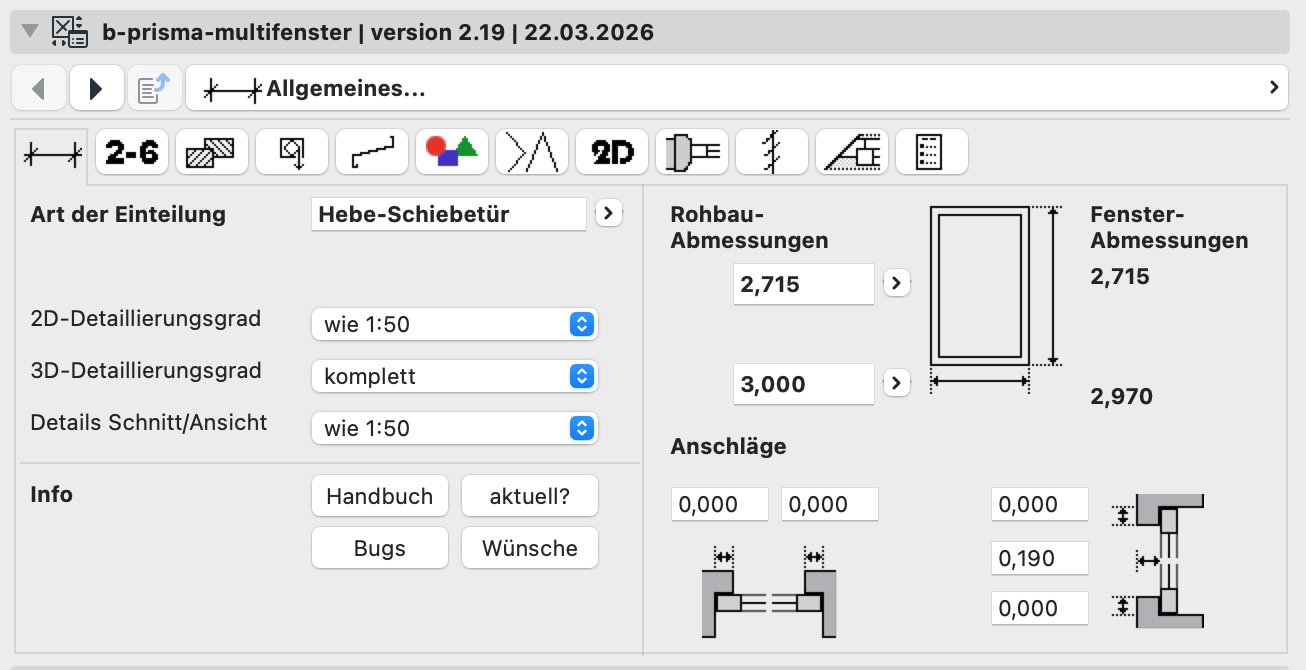
In this article, I describe how to create a version history with release notes and backups, and how to add optional todos, as well as how to set up an update check for your customers.
For good GDL development and documentation, it is important and necessary to create a version history with release notes. You can do this, for example, with the help of Github, but for this you need the individual scripts in text form, see also SublimeText, GDLnucleus, XML_Converter.
I prefer my project management Rukovoditel and proceed as follows:
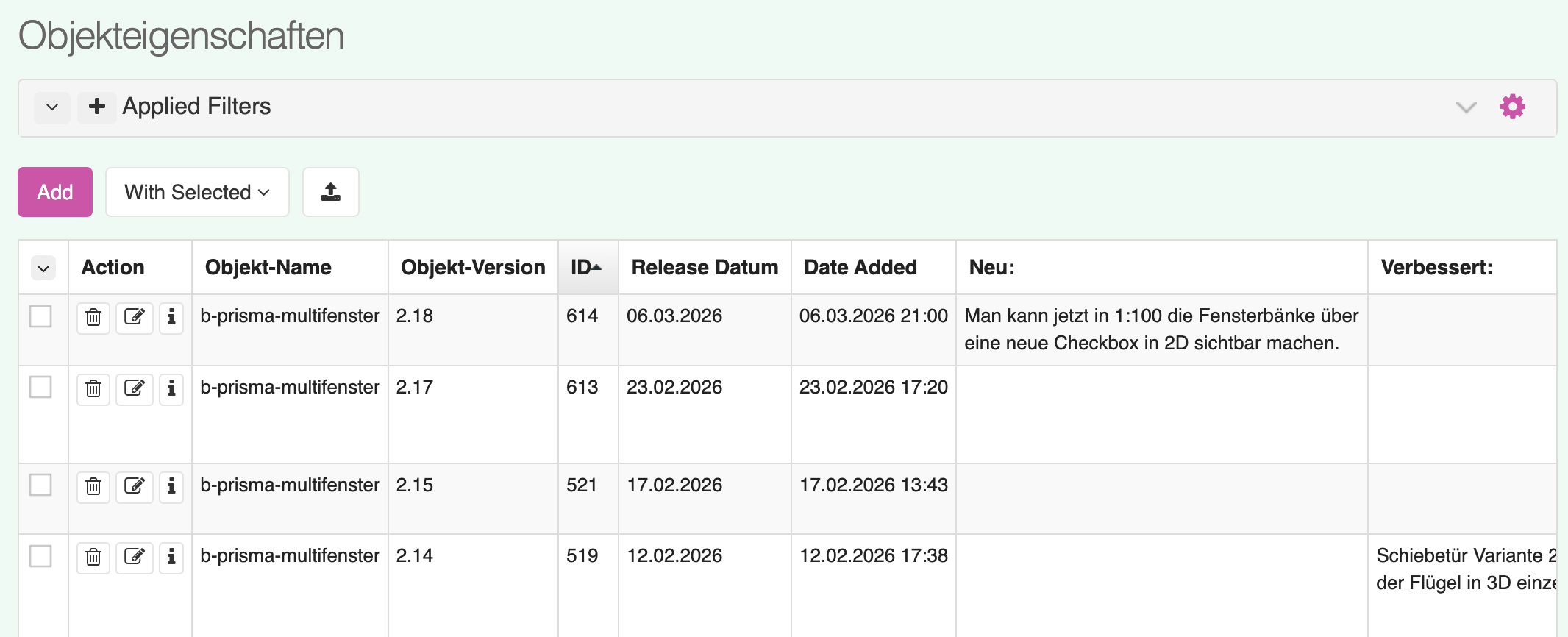
I create a table for my GDL objects: Here I store not only information about the objects but also release notes, development notes, todos, current file versions and documentation. I also have a "Tags" field to be able to find certain objects with certain properties in the search dialog.
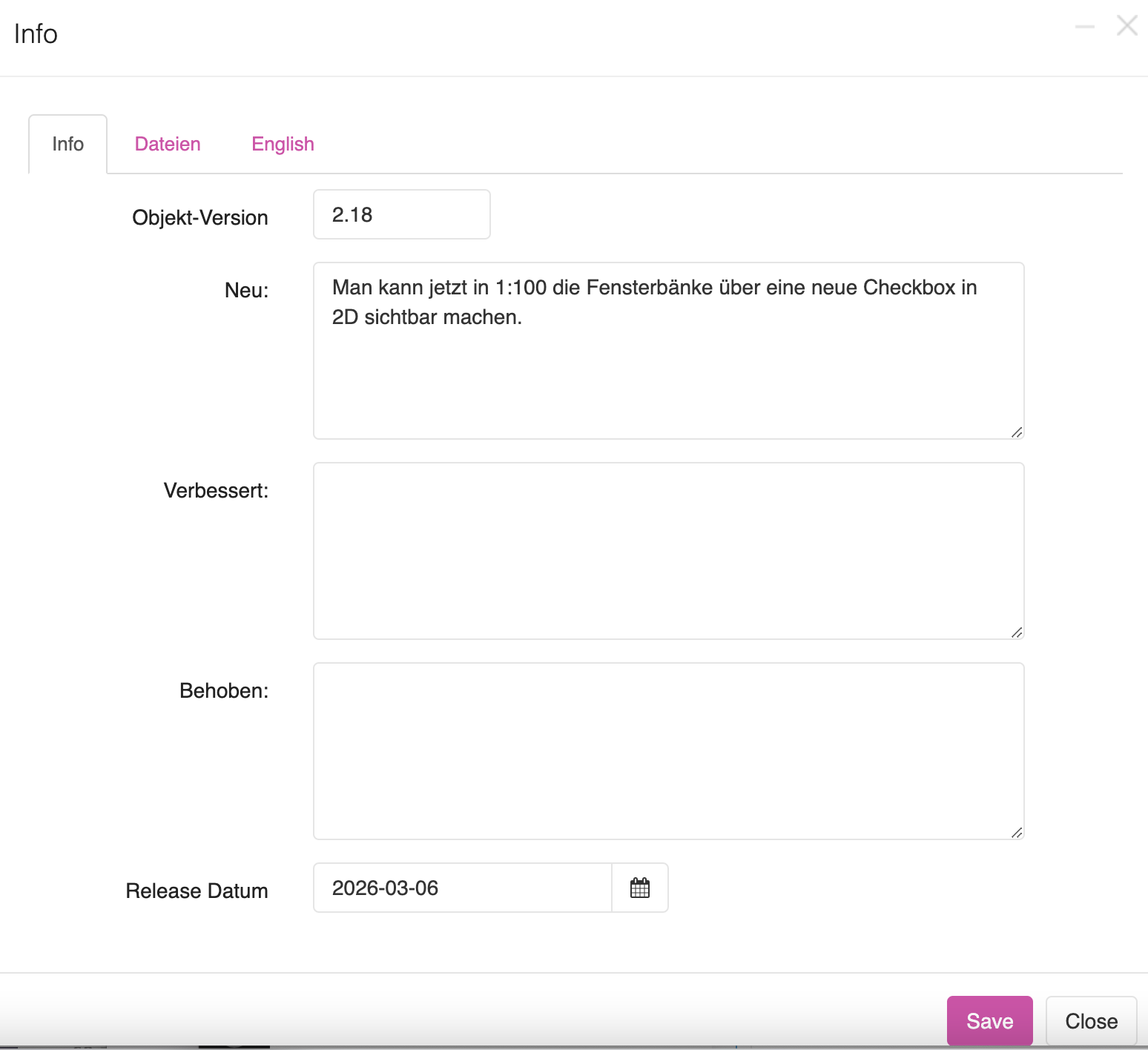
With each object update, a new entry is created via an input form and the current file version is uploaded as a backup copy.
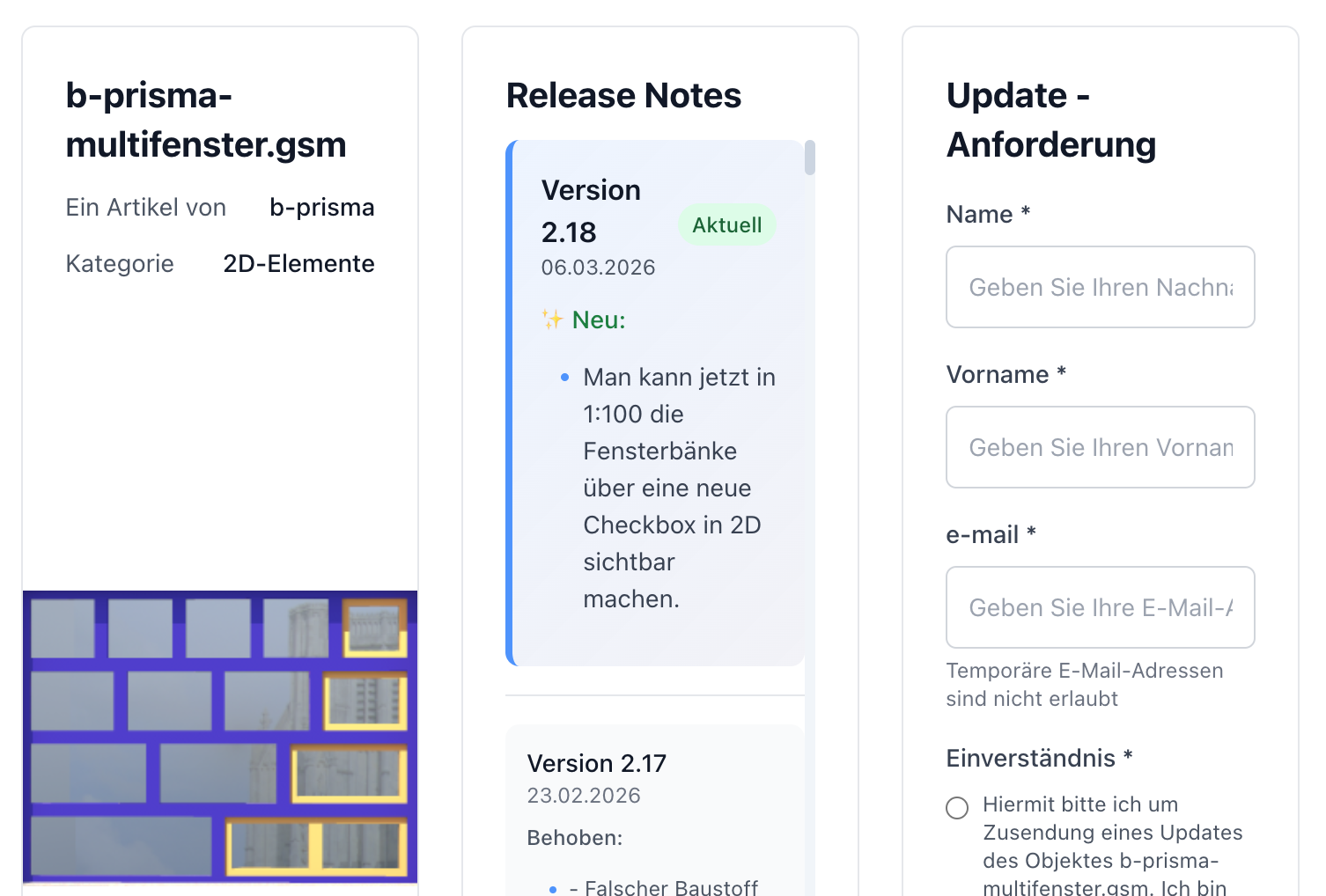
In the GDL object itself there is a button in the user interface "Up to date?". If you click on it, you go to the output page of the project management (display only) and you can check whether you have the current version, what new features have been added since the last version. You can also have a new version sent to you if you are not up to date.